


“ADP Failed to initialize” when launching Maya 2027
Last updated: Oct 19, 2026
28
views

Issue:
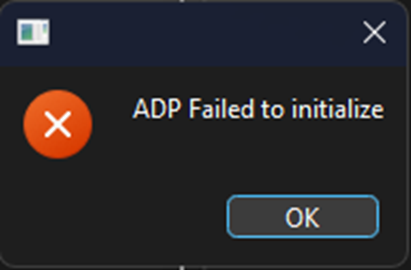
Users reported that when launching Maya 2027, the application fails to start and displays the message:
ADP Failed to initialize
Causes:
The behavior occurs when the ADP client component is missing or was not installed as part of the normal installation workflow.
Solution:
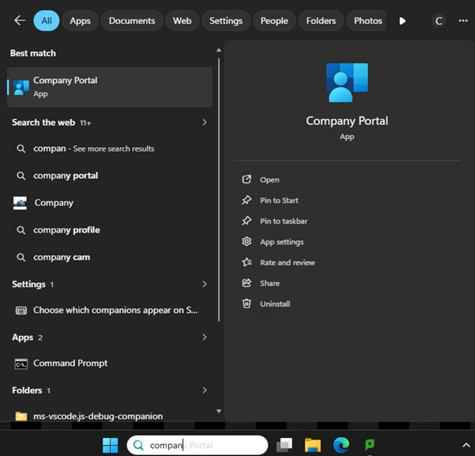
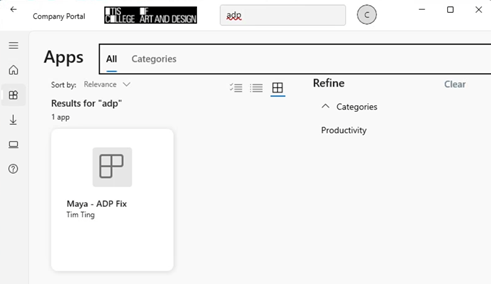
In Windows 11 search box, type in COMPANY PORTAL. When the portal opens, Search or look for ADP fix and click to install.
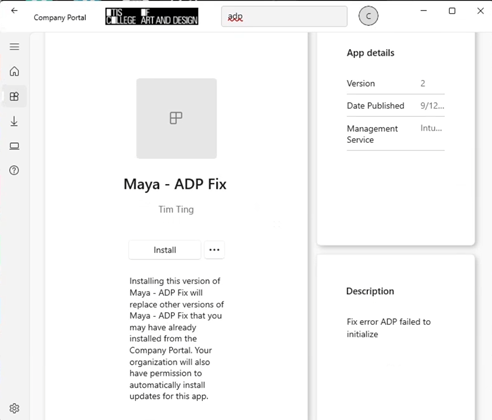
Once the install is finished, Launch Maya 2027 again and it should work.

